
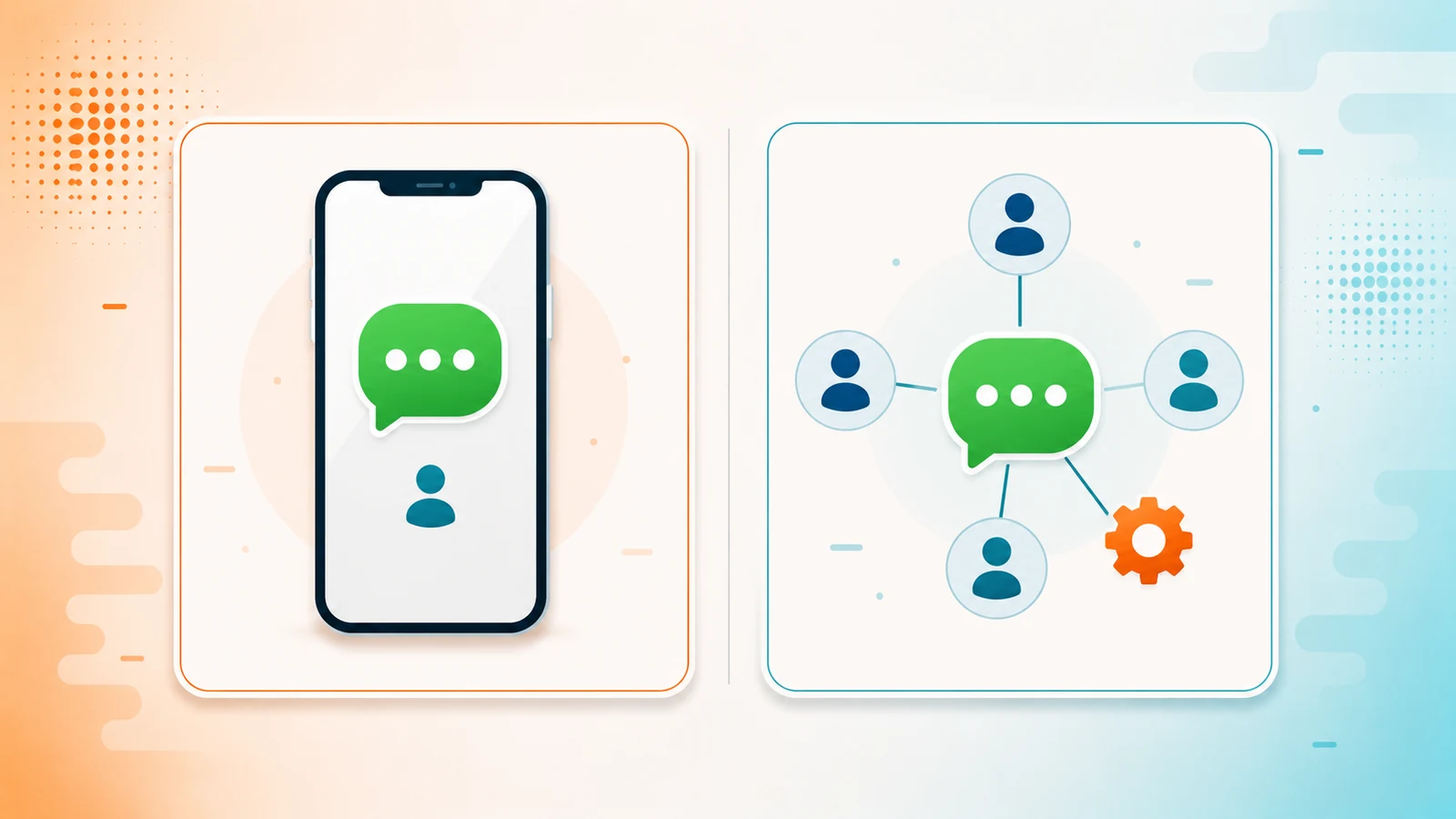
There are two WhatsApp products for businesses and they are named almost the same. That confusion costs money: businesses that buy an API they never needed, and businesses that spend two years fighting an app they outgrew long ago.
The difference is not company size. It is how your team works.
WhatsApp Business: the app
It is a free application you install on a phone. It adds a business profile, a catalog, quick replies and labels for organizing chats on top of regular WhatsApp.
It works well, and for many businesses it is all they need. The limit is not features: it is that the conversation lives on one phone. Someone is holding that phone. If that person steps out, goes on vacation or leaves the company, the history goes with them.
WhatsApp Business API: the infrastructure
It is not an app and it has no interface of its own. It is a connection that lets other software — your CRM, your online store, your booking system — send and receive WhatsApp messages on your behalf.
That is why you never buy "the API" on its own: you buy a tool that uses it. The API is the plumbing; the CRM is the tap.
The four differences that actually matter
1. How many people can reply
With the app, whoever has the phone replies. With the API, your whole team works the same number from their own computers, with each conversation assigned to the right person and nobody stepping on anybody else.
This is usually the real reason a business migrates. It is not that they want to automate: it is that three people are already fighting over one phone.
2. Who owns the history
In the app, the history lives on the device. With the API connected to a CRM, every conversation stays attached to the customer's record, in a system the company owns. When someone resigns, the customer relationship stays.
3. Whether you can automate
The app has quick replies, which are templates you paste in by hand. The API lets the software act on its own: reply after hours, qualify a prospect before handing them to a rep, send the appointment reminder without anyone remembering to send it.
4. What it costs you
The app is free. The API has two costs: the tool that uses it — the CRM — and what Meta charges for the messages you initiate.
That second cost is worth understanding properly, because it is almost always explained badly: Meta charges per template message, not per conversation. What gets charged are the messages you start with an approved template — marketing, utility or authentication. When the customer writes to you first, a 24-hour window opens and anything you reply inside that window is free. Today utility templates sent inside that window are also free — marketing is always charged. Both benefits end on October 1, 2026, when service messages become chargeable and the utility exemption disappears.
Put another way: answering is free; reaching out costs. With rates verified on July 27, 2026 in Mexico, a marketing message runs about $0.0305 USD and a utility or authentication message about $0.0085 USD. We break them down with examples in the cost guide.
How to tell which one is yours
You do not need the API if one person does the replying, the volume is manageable, you are not automating anything and you are not worried about the history living on a phone. The app is free and enough. Switching too early only adds cost and setup.
You do need the API when one of these four signals shows up:
- More than one person needs to answer the same number.
- Messages are getting lost, or nobody knows who was supposed to answer which.
- You want the WhatsApp history to sit alongside the rest of the customer's information.
- You need something to send itself: reminders, follow-ups, after-hours replies.
Notice that none of the four says "once you bill X." The trigger is operational, not size. There are small businesses that need the API from month one and large businesses the app serves perfectly well.
What happens when you switch
Two things worth knowing beforehand, because they catch people out:
A number is either in the app or in the API, not both. When you migrate a number to the API, you can no longer use it in the WhatsApp Business app. Same line, worked from somewhere else.
The app's history does not move on its own. Contacts and customer information migrate; the conversations that lived on the phone are another matter entirely. Ask your provider exactly what is preserved before you move the number, not after.
Frequently asked questions
Are WhatsApp Business and WhatsApp Business API the same thing?
No. WhatsApp Business is a free app you use from a phone. WhatsApp Business API has no interface of its own: it is a connection that lets other software, like a CRM, send and receive messages on your behalf.
Can I use the same number in the app and in the API?
No. A number lives in one or the other. Once you migrate it to the API you can no longer use it in the WhatsApp Business app.
How much does WhatsApp Business API cost?
It has two separate costs: the tool that uses it, normally a CRM with its monthly license, and what Meta charges for the template messages you initiate. Replying inside the 24-hour window the customer opens is free until October 1, 2026, when Meta starts charging for service messages.
Do I need the API if I just want to reply faster?
Not necessarily. If one person does the replying and the volume is manageable, the free app is enough. The signal to migrate is usually that several people need to work the same number, or that you want the history to stop living on a phone.
Does conversation history migrate when you move to the API?
Contacts and customer data do migrate. The conversations that lived on the phone usually do not. It is worth asking exactly what is preserved before you move the number.
Meta rates for Mexico verified on July 27, 2026. They change with notice at the start of each quarter. Yocoya is a Kommo and Pipedrive partner.