You buy the $30-a-month plan, do the math, and a week later you are out of credits with three videos made. Nobody scammed you: the plan price is not the cost.
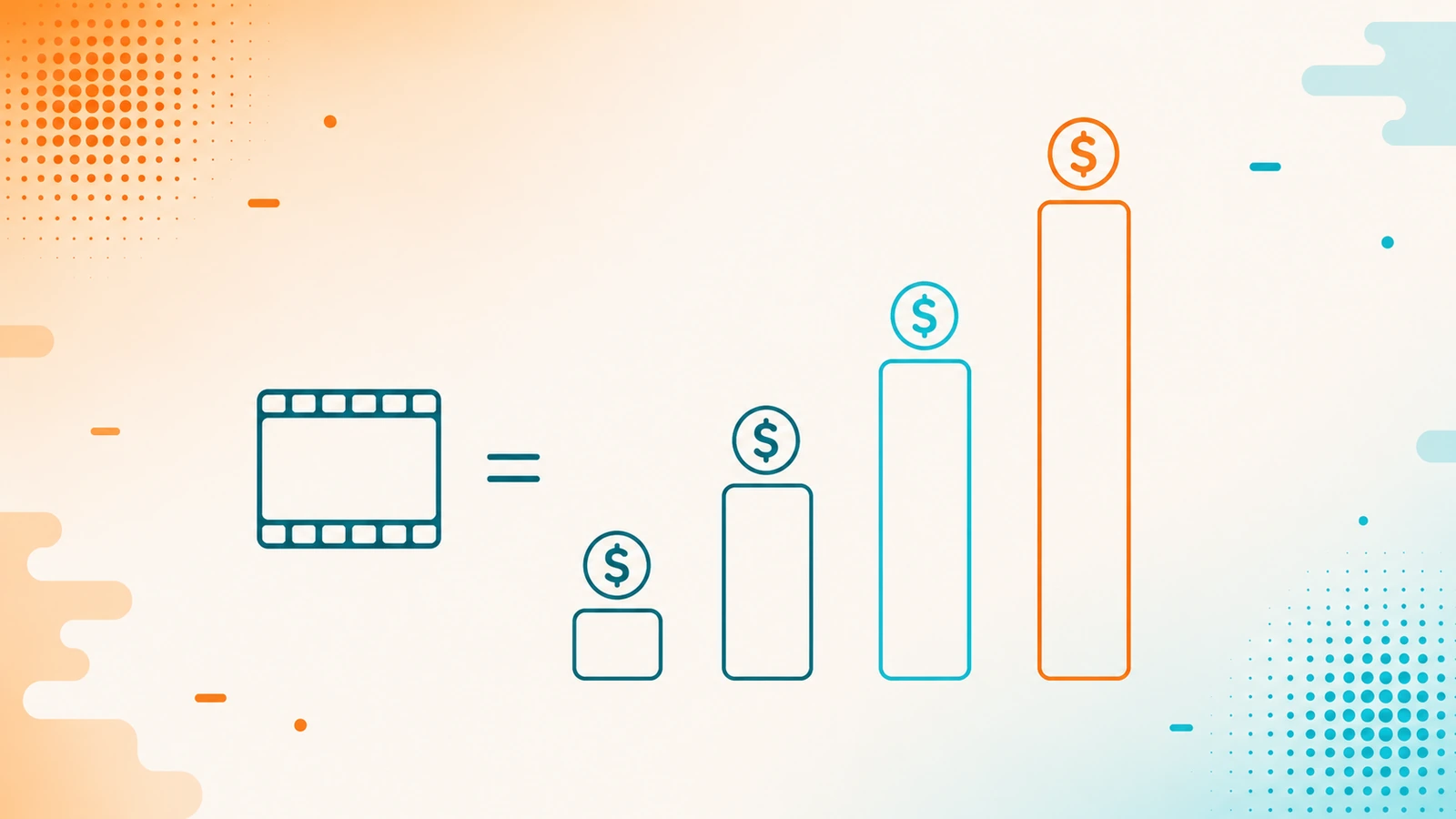
Almost every AI video tool charges by consumption, and what you actually pay for a video can vary by ten to eighty times depending on four decisions almost nobody makes deliberately: which model you use, at what quality level, how long the video is, and which hidden charges you switched on without noticing. Anyone budgeting from the plan price is off by an order of magnitude.
This guide explains the four levers so you can estimate before you spend.
Every figure in this guide was captured on July 27, 2026 from each tool's official documentation, and is published as a dated illustration, not as a price list. Providers change them: InVideo, for example, explicitly reserves the right to change the credit cost "at any time and without prior notice." What does not change as fast are the proportions, which is why this article keeps coming back to them.
First: the two billing models
Subscription with credits
The most common, and what almost all of them use: you pay a monthly plan that gives you a pool of credits or minutes, and each generation draws down that pool. The problem is that the pool hides the real cost of each video: you do not see what one generation cost you, you only see the pool going down.
Pay as you go, by the second
HeyGen's API model: a prepaid wallet in dollars charged per second of video produced, with no subscription. Here the opposite happens: every second is visible and measurable, but you are measuring all the time.
Neither is "cheaper" than the other. They expose the cost differently, and that difference matters more than it seems when the invoice arrives.
The biggest lever: model and quality
Here is the finding that should change how you work. The same video, of the same length, in the same tool, costs radically differently depending on the model and the quality level you choose.
In InVideo, one minute of video costs 2 credits at basic quality, 80 at Pro quality and 160 at Ultra. It is the same minute: eighty times the difference for moving a quality selector. Between individual models the range is also enormous, from a little over one credit per clip to close to seventy.
It is not an isolated case:
- HeyGen: the same avatar video costs about four times more with its newest avatar engine than with the previous one. Its video translation has the same pattern: the higher-accuracy mode costs twice what the fast mode does.
- BasedLabs: the cost per second varies by close to six times across its video models, depending which you choose.
- OpenArt: a single video can run from roughly a hundred credits to more than eight hundred, depending on the model, the length and the resolution.
The practical lesson: choose the model deliberately, not out of habit. Expensive model for the take that matters; cheap model for the ten test runs before it. Leaving the tool permanently on its best quality is exactly how budgets evaporate, and it is the most common mistake because the interface does not tell you what you are spending.
One necessary warning: do not compare these figures across tools. An InVideo credit is not an OpenArt credit or a BasedLabs credit; each system defines its own. The multipliers are comparable — the 80×, the 4×, the 6× say something real about how each tool is built — but the absolute numbers cannot be set side by side.
The charges the plan price never shows you
Three meters run in parallel and none of them appears when you compare plans.
The avatar bills separately
In InVideo, using a virtual actor adds 20 credits per minute on top of the model cost, regardless of which model you chose. It is a fixed surcharge added to a bill that was already variable.
Stock footage has its own meter
InVideo's stock footage quota is a separate pool from the credit pool. You can exhaust your stock without having touched your credits, or the other way round. Re-exporting a video with the same footage does not charge again; using that footage in a new video does.
Agents bill twice
This is the hardest one to anticipate. When you ask an AI agent to do the work — Underlord in Descript, InVideo's agents — you pay for the agent's "brain" and for the tools the agent decides to use. And in both cases the cost is only visible after it has run.
That makes an agent's spend non-deterministic by definition: you cannot calculate it in advance because it depends on decisions the tool makes on its own. It is convenient and it is expensive, and it is worth knowing both before you let it loose.
Three calendar traps
- Plan credits normally do not roll over. What you did not use this month is lost. Credits bought separately usually last longer — in InVideo, up to twelve months — so loading everything onto the plan wastes the tail.
- "Free" usually means "trial." OpenArt's free tier is 40 credits over 7 days and then it ends; it is not a permanent plan. InVideo's resets every week, not every month. Read what "free" means in each case before you build a workflow on top of it.
- Some costs are predictable, and are worth knowing: Descript caps sound cleanup and filler-word removal at 30 credits per file, no matter how long it is. On terrain made of variable costs, a fixed ceiling is a luxury.
How to actually budget
- Estimate by model × quality × length, not by the plan price. A minute in Ultra is not a minute in basic, and that distinction alone explains most surprise invoices.
- Turn on the controls the tool already gives you. InVideo lets you configure the agent to ask for your approval before generating, and set per-project credit limits. Check them before you start, because they are not always switched on, and leave them on for the expensive models.
- Watch the separate meters — stock and the avatar surcharge — because they live outside the credit pool and do not appear on the same dashboard.
- Pick the billing model to match your usage pattern. High, steady volume may suit pay-per-second; irregular or mixed use usually suits a plan with credits. And review it periodically, because rates change without notice.
Where to go next
If you are still choosing a tool, start with which AI video tool you need, which groups them by the job they do. If what you are missing is the voice, the AI voice guide covers that half.
Frequently asked questions
Why did my credits run out so fast if I paid for the plan?
Almost certainly the quality level or the model. In some tools, a minute of video at maximum quality consumes dozens of times more credits than the same minute at basic quality, and the interface does not warn you while you generate. If you also used avatars or stock footage, those bill separately from the model itself.
What exactly is a credit?
Each tool defines its own, and they are not equivalent: a credit on one platform is not worth the same as one on another, nor does it buy the same thing. That is why comparing the number of credits two different plans include tells you nothing useful. What is comparable is how much it costs you to produce your typical piece on each one.
Do unused credits roll over?
Generally no: plan credits reset with the cycle and what you did not use is lost. Credits bought as a separate package usually have a longer validity. Worth checking before buying a big plan "for headroom," because that headroom can evaporate every month.
Why does the same video cost me a different amount each time?
If you are using an AI agent, the cost is non-deterministic by design: you pay for the agent's work plus the tools it decides to invoke, and that decision varies with what you asked for. On several platforms the total is only visible once it has finished running. The modes that ask for prior approval exist for exactly this.
Are free tiers any use for real work?
For testing, yes; for producing, almost never. Many are trials with an expiry date rather than permanent plans, and others reset on shorter cycles than you would assume. Before building a workflow on a free tier, confirm whether it is a continuing plan or a trial, and how often it resets.
All figures were captured on July 27, 2026 from each tool's official documentation and independently verified before publishing. They are published dated because these rates change without notice — the providers themselves reserve that right — and an undated figure is one you should not trust. Yocoya has an affiliate relationship with several of the tools mentioned and earns a commission if you buy any of them; that is why this guide recommends none of them, and only teaches you how to do the math.